It’s a classic no-code dilemma. You need to connect your client’s CRM to a database, split the data depending on lead score, enrich it with AI, and notify different Slack channels. Doing this in Zapier is easy, but you quickly realize that branching logic (Paths) is locked behind a $100+/month tier, and the “task tax” will eat your budget in days.
Should you stick with the industry giant, or is it time to move to the visual canvas of Make.com? Let’s find out in this head-to-head comparison.
Looking for a deep-dive on Make? Read our full Make.com Review for specific feature analyses, performance benchmarks, and pricing breakdowns.

Head-to-Head Overview
| Feature | Zapier | Make.com |
|---|---|---|
| Best For | Simple 2-step tasks, beginners | Complex branching workflows, scaling |
| Interface | Linear steps (vertical list) | Visual 2D canvas (drag-and-drop mind map) |
| Pricing Model | Charges per task executed | Charges per operation executed |
| Branching Logic | Paths (requires $100+/mo Professional plan) | Routers (standard, available on Core $9/mo plan) |
| Advanced Processing | Custom Javascript/Python nodes | Iterators, Aggregators, built-in functions |
| Native AI Integrations | OpenAI, Claude, Gemini, Custom GPTs | OpenAI, Claude, Gemini, Stability AI, etc. |
1. Visual Builder vs. Linear Steps
The most obvious difference between the two platforms is how you build workflows.
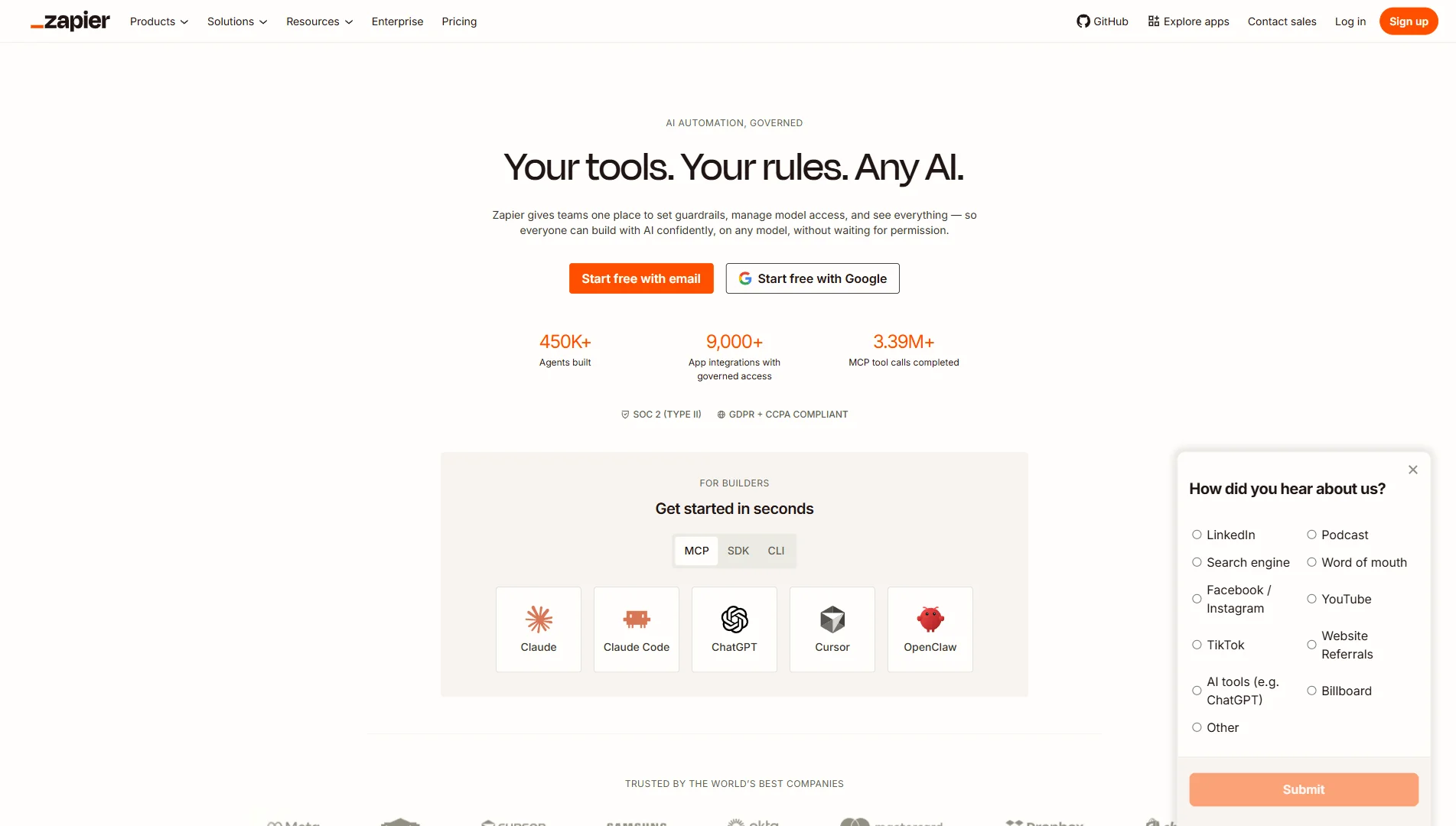
Zapier uses a linear, vertical interface. You define a trigger, then add step 2, step 3, and so on. It is incredibly clean and easy to follow if you have a simple “if this, then that” automation (e.g., Lead Capture → Send Email). However, once you add multiple conditions, the vertical list becomes difficult to navigate and manage.
Make.com uses a 2D drag-and-drop canvas. You drop circular app modules onto the screen and draw lines to connect them. The result looks like a mind map or diagram. During a test run, you watch colored data bubbles move between modules in real-time. You can click any bubble to inspect the exact JSON payload. This visual debugging makes troubleshooting 10x faster than reading text-based logs in Zapier.

2. The Pricing Battle: The Task Tax vs. Operations Model
Pricing is the number one reason businesses switch from Zapier to Make.
- Zapier charges you every time an action runs successfully. A 5-step Zap consumes 4 tasks per execution. If that Zap runs 2,500 times a month, you consume 10,000 tasks. On Zapier, 10,000 tasks costs $103.50/month (billed annually).
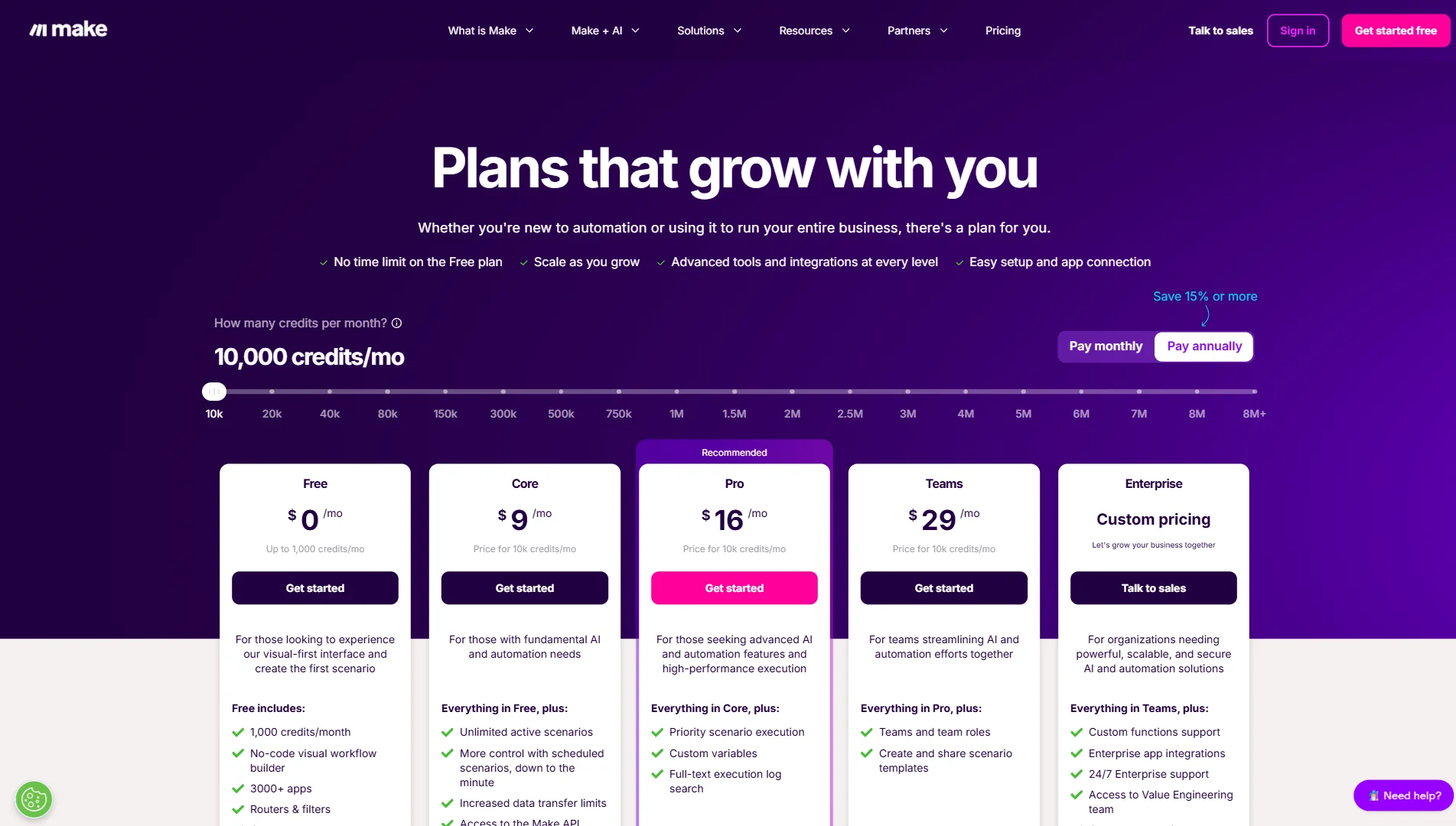
- Make.com also charges per operation (each module run). A 5-step scenario consumes 5 operations per execution. However, 10,000 operations on Make’s Core plan costs just $9/month (billed annually).
For the exact same volume of tasks/operations, Make.com costs a fraction of what Zapier charges at scale — see our Make.com review pricing breakdown for the full side-by-side math. If your business processes high volumes of data (like e-commerce orders, syncs, or social media scheduling), the “Zapier tax” becomes unsustainable. Make allows you to scale to 100,000 operations for only $68/month, whereas the equivalent tier on Zapier would cost hundreds of dollars.
3. Branching Logic and Advanced Data Routing
Real-world business workflows are rarely linear. You often need to route data to different places based on conditions.
To do this in Zapier, you must use Paths. Unfortunately, Paths are locked behind the Professional plan, starting at $103.50/month. If you are on the Starter plan ($19.99/mo), you are stuck with simple linear automations.
In Make.com, branching is done via Routers. A router lets you split one trigger into multiple parallel paths with independent filters. Routers are a standard, built-in feature available on all plans, including the Free plan. You can build a scenario that checks if a Shopify customer is new or returning, splits the path, enriches with AI, and updates two different spreadsheets — all on the Core $9/month plan.
4. Iterators, Aggregators, and Complex Data Lists
If you’ve ever tried to automate an invoice containing multiple line items or process a list of email attachments, you know that handling arrays is difficult.
In Zapier, looping through a list of items requires writing custom Javascript code inside a Code by Zapier step or setting up complex nested loops.
Make.com has native Iterator and Aggregator modules. An Iterator splits an array (like a list of products in an order) into individual items so they can be processed one by one. The Aggregator then bundles them back together into a single text block or email. This data manipulation is done entirely visually, requiring zero code.
5. My Experience: A Developer’s Direct Comparison
When I was first tasked with building a lead routing ecosystem for an e-commerce client on a MacBook Pro M3, my initial instinct was to use Zapier. It was the platform I knew, and it had the most integrations on paper.
However, when I attempted to build the workflow — which required pulling new leads from a webhook, checking their contact history, scoring them with Claude AI, and routing high-value leads to HubSpot while sending low-value leads to a mailer — I hit two major roadblocks:
- The Cost Gate: Zapier wouldn’t let me use the crucial “Paths” (branching logic) step without upgrading to the $103.50/month Professional tier. For a client just starting out, paying over $1,200/year just for conditional routing was a tough sell.
- The “Task Tax” Math: Since the workflow was multi-step, each run consumed 5-6 tasks. With about 2,000 leads a month, we would have burned through our task limit within two weeks, forcing us into an even more expensive plan.
Frustrated, I replicated the exact same workflow on Make.com. Because Routers are free and standard, I was able to build the conditional paths immediately on their Core plan ($9/mo). Mapping the data from the webhook into the Claude AI module was much more intuitive because of the visual circular node layout. During testing, instead of looking at Zapier’s dry, text-only log history, I could watch the visual bubbles of data travel along the lines in real-time, making it simple to see exactly why a filter rejected a lead.
Ultimately, migrating to Make saved my client over $90/month in subscription costs and lowered our overall execution fee by 90% while providing a much more robust, single-canvas dashboard that is easy to maintain.
Final Verdict: Make.com vs Zapier
Choose Make.com if:
- You want to build complex workflows with branching logic and filters without paying a premium.
- You have high-volume automations and want to save up to 90% on your monthly bill.
- You want visual real-time debugging where you can see data flow.
Choose Zapier if:
- You only need simple, 2-step linear integrations (e.g., New Typeform → Slack).
- You want zero learning curve and need to launch your first automation in under 10 minutes.
- You need to connect to obscure, proprietary apps that are only supported on Zapier’s catalog.
Make.com
Make.com is the ultimate visual automation engine. Build complex multi-path workflows, integrate AI, and process high volumes of data at 1/10th the cost of Zapier. Start free and get 1 month of Core.
PROS
- Visual canvas makes complex branching logic actually manageable
- 10,000 operations for $9/mo vs Zapier's $100+ for the same volume
- Native AI integrations — OpenAI, Claude, Gemini — drag-and-drop, no code
CONS
- Credit model requires upfront planning — complex scenarios burn ops fast
- Steeper initial learning curve than Zapier for absolute beginners
Winner: Make.com